

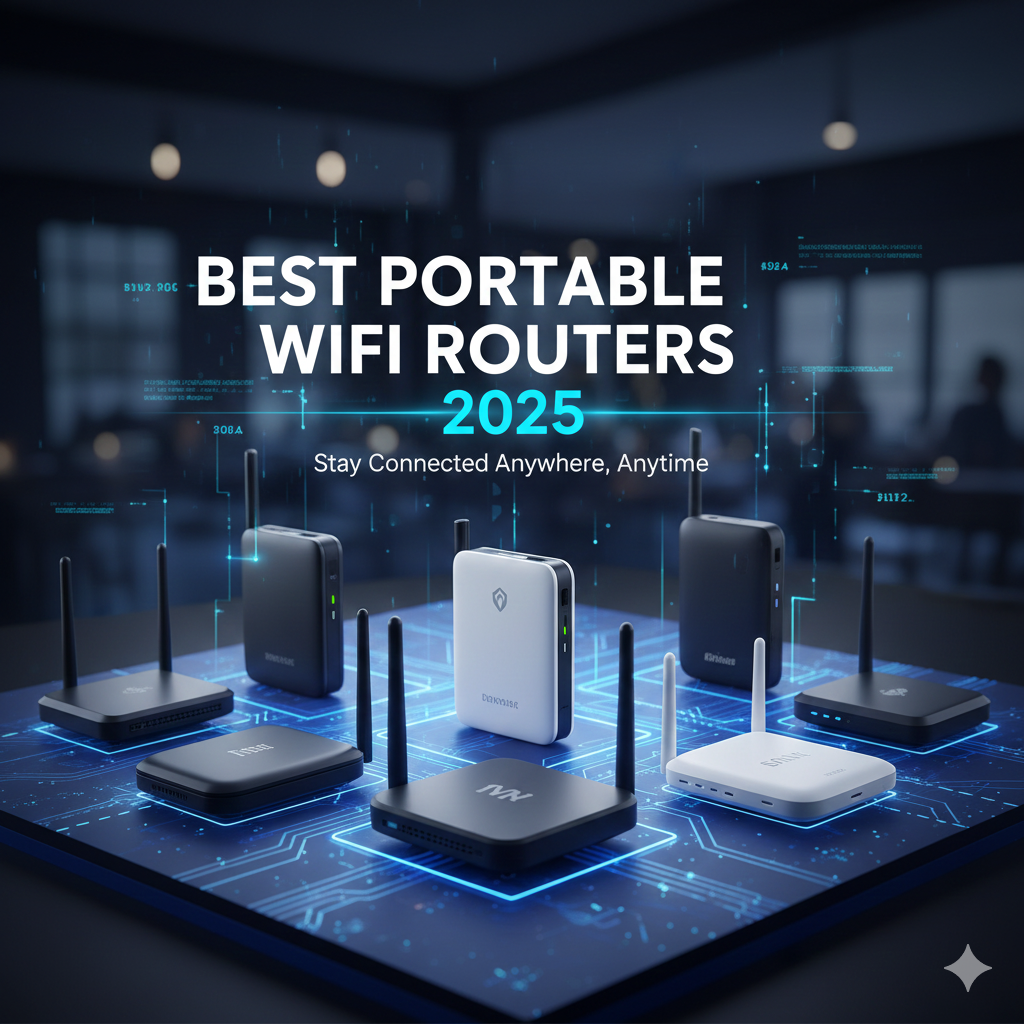
The Best Portable Wi‑Fi Routers (and Travel Cases) for Reliable Internet Anywhere
You step into a hotel lobby after a long flight, open your laptop, and the “free Wi‑Fi” banner looks promising—until it crawls, drops, and refuses to play nice with your VPN. If you travel, work remotely, or share internet on the go, a portable Wi‑Fi router (a.k.a. mobile hotspot) gives you your own connection, your own password, and your own rules.
Below, you’ll find a concise, expert‑minded guide to the category—what matters, how to choose, and how to protect your gear—plus three standout picks, including a compact 4G LTE hotspot and two protective travel cases that keep your tech safe in transit. If you’re shopping around Black Friday, watch for bundle deals, accessory add‑ons, or limited‑time promos; demand spikes for travel gear as holiday trips ramp up.
Why Portable Wi‑Fi Still Matters (Even in a 5G World)
Wi‑Fi you control is more than convenience—it’s security and predictability. Public networks are shared spaces: speeds fluctuate, device limits can be strict, and captive portals often block streaming boxes, game consoles, or IoT gadgets. With your own hotspot, you decide who connects, you set the password, and you get a straight path for video calls, cloud work, or streaming.
A dedicated hotspot also separates your phone from your internet duties. Tethering burns through battery and data quickly, and some carriers throttle tethered traffic. A travel router or hotspot carries the load, leaving your phone free for calls, navigation, and photos.
5G is great where you have it, but 4G LTE remains ubiquitous and reliable. A well‑chosen LTE hotspot can handle everyday work—email, Slack, HD streaming, and multi‑participant calls—without the complexity or price premiums that often accompany bleeding‑edge hardware. In many regions and buildings, LTE’s penetration and stability still win.
Everyday Scenarios Where a Hotspot Beats Public Wi‑Fi
- Hotels and short‑term rentals: A portable router saves you from unsecured networks, weird portal logins, and bandwidth shared by the whole floor. If you travel with a streaming stick or a handheld console, your private SSID makes setup consistent from trip to trip.
- Road trips and RV life: When you’re between towns, campground Wi‑Fi can be inconsistent. A hotspot with a local SIM turns highways and trailheads into workable spaces. For groups, simultaneous connections mean everyone can get online without the “one device per room” hotel rule.
- Business travel and trade shows: Exhibit hall Wi‑Fi is congested. A hotspot provides stable upload for demos, presentations, and real‑time collaboration. You can keep a guest network for colleagues while protecting your admin credentials.
- Backup internet at home: Outage? Fire up the hotspot. Many compact routers let you bridge or share connections quickly. It’s a small investment for continuity when you’ve got a deadline.
How to Shop Portable Wi‑Fi: Networks, Security, and Practical Details
Start with cellular compatibility. If the unit uses a SIM, check supported LTE bands against your carrier and region. “Unlocked” is ideal if you travel internationally; you can swap local SIMs for better rates. If it’s 4G LTE with a 150 Mbps peak, that’s commonly LTE Cat 4 territory—great for mainstream use, but not built for multi‑stream 4K on eleven devices at once.
Consider Wi‑Fi standards on the router side. Wi‑Fi 5 (802.11ac) is solid for most laptops and phones; Wi‑Fi 6 (802.11ax) improves efficiency in crowded places. Look for security features like WPA2/WPA3, a configurable admin password, and guest network support. A simple interface matters more than you think when you’re configuring under time pressure.
Power and durability matter in the real world. If it’s battery‑powered, confirm the charging method (USB‑C is most convenient) and plan a power bank for long days. If it’s a compact travel router you’ll toss in a backpack, a hard case prevents cracked screens, crushed antennas, and cable chaos—especially during holiday travel or Black Friday airport rushes.
Pro tip for deal season: around Black Friday and Cyber Monday, carriers and retailers often bundle hotspots with data vouchers, SIM kits, or accessories. Always verify the device is compatible with your preferred carrier and that any promotional plan meets your coverage needs (including international roaming) before you commit.
Selection Criteria: What Makes a Portable Wi‑Fi Product “Best” Here
- Reliable cellular or Wi‑Fi performance for everyday work and HD streaming
- Clear compatibility with common carriers or popular router models
- Practical capacity for multiple users and devices
- Security options such as WPA2/WPA3 and password management
- Travel‑friendly design: compact, durable, and easy to configure
- Accessory ecosystem or protective options for frequent flyers
- Value for the features—especially during Black Friday/holiday promos
- Real‑world usability: simple setup, stable connections, and handy extras
1. Compact 4G LTE hotspot with SIM flexibility for small teams and families

This 4G LTE portable WiFi hotspot keeps you online everywhere, supporting multiple LTE bands and simultaneous connections for phones, laptops, and more. A clear screen shows signal, battery, and user numbers, making it beginner-friendly. Works with most US SIM cards and includes quick customer support. (SIM not included.)
$0.00 on Amazon
View on AmazonPrice and availability are accurate as of 01/07/2026 05:41 am GMT and are subject to change.
If you’re tired of juggling hotel portals or burning through phone battery by tethering, this 4G LTE mobile hotspot hits a sweet spot: simple, portable internet you can share. The built‑in SIM slot means you can drop in a compatible nano‑SIM from your carrier or a local provider when you land abroad. With a rated peak of 150 Mbps and support for up to 11 users, it’s built for the everyday tasks that matter—cloud docs, Zoom calls, navigation, and HD streaming—without the monthly commitment of a carrier‑branded 5G unit.
Its value is in predictability and control. You set the SSID and password and keep your traffic off sketchy networks. For freelancers, families, and small crews on the move, the “one box, one password” simplicity pays off. Do check supported LTE bands and plan type with your carrier, especially if you’re shopping holiday deals; compatibility ensures you actually get those fast, stable speeds in the places you travel most.
2. Rugged travel case for TP‑Link’s ultra‑portable routers (case only)

This hard-shell travel case is designed for TP-Link TL-WR1502X / TL-WR3002X Wi-Fi 6 travel routers, with space for cables, adapters, and accessories. A secure elastic strap keeps the router in place, while a mesh pocket organizes cords. Shockproof and splash-resistant EVA with PU leather provides strong protection, and its compact size with a hand strap makes it ideal for travel or home storage. (Case only.)
$11.99 on Amazon
View on AmazonPrice and availability are accurate as of 01/07/2026 06:00 am GMT and are subject to change.
If you rely on a compact TP‑Link travel router, this case is the low‑stress way to move it around. The molded interior is designed around TP‑Link’s TL‑WR1502X and WR3002X families (AX1500/AX3000), keeping the router snug so it doesn’t rattle through flights or rideshares. A hard exterior helps fend off bumps, and the separate storage space means your USB and Ethernet cables won’t rub against the device screen or vents.
Why include a case in a “best portable Wi‑Fi” roundup? Because real‑world reliability starts with protection and organization. Nothing derails a setup like a cracked body or a missing cable five minutes before a client presentation. If you travel frequently, especially during hectic Black Friday holiday traffic, a purpose‑built case saves time and grief—your router stays safe, and your kit stays tidy.
3. Protective carry case tailored to NETGEAR Nighthawk hotspots (case only)

This compact 4.92″ case is designed for NETGEAR Nighthawk M7/M6/M5/M1/M2 5G mobile hotspots, offering snug protection with thick oxford fabric, soft flannel lining, and 3mm foam padding. Dual pockets organize your router, USB-C cable, adapter, and accessories, while the lightweight design with a carry strap makes travel easy.
$15.99 on Amazon
View on AmazonPrice and availability are accurate as of 01/07/2026 06:13 am GMT and are subject to change.
NETGEAR’s Nighthawk hotspots are workhorses for road warriors, but they’re not invincible. This dedicated travel case gives them a secure home, limiting scuffs, squeezes, and accidental button presses while you’re on the move. With a shaped compartment for the hotspot and room for a charging cable, you won’t arrive at your destination only to discover the essentials scattered or missing.
If you already own a Nighthawk and depend on it for conference booths, production sets, or family roaming, a tailored case is a simple upgrade that preserves your investment. It’s especially useful if you rotate between models or share gear across a team—each device has a clear place, and repacking becomes brain‑dead simple when you’re racing between gates during the holiday rush.
FAQ
- What’s the difference between a portable Wi‑Fi router and a mobile hotspot?
- In travel contexts, people use these terms interchangeably. Strictly speaking, a mobile hotspot includes a cellular modem and SIM slot to create Wi‑Fi from a cellular network. A travel Wi‑Fi router may simply rebroadcast an existing connection (hotel Ethernet or Wi‑Fi). Some devices do both.
- Is 150 Mbps LTE fast enough for remote work?
- Yes for most tasks. Email, web apps, cloud docs, and HD video calls typically run smoothly well below 150 Mbps. The bigger question is real‑world speed and latency on your carrier where you work. If you regularly upload large media or stream multiple 4K videos at once, you may want higher‑tier hardware or 5G where available.
- How many devices can I connect before performance suffers?
- The spec might say 10–15 devices, but performance depends on your cellular signal, Wi‑Fi environment, and usage. As a rule, plan for fewer active bandwidth‑heavy devices than the maximum rating—especially if multiple people are on video calls or streaming at the same time.
- Will my hotspot work internationally?
- It can, provided the device supports the LTE bands used in your destination and your SIM plan allows roaming or you purchase a local SIM. Always check band compatibility and fair‑use policies before you travel. An “unlocked” device gives you more flexibility to switch carriers.
- Is public Wi‑Fi really that risky?
- Public networks increase your exposure to snooping and man‑in‑the‑middle attacks. A private hotspot reduces risk by keeping you off shared infrastructure and letting you use modern encryption (WPA2/WPA3). Combine it with your VPN for an extra layer when handling sensitive data.
Your On‑the‑Go Internet, Sorted
The right portable Wi‑Fi setup gives you control, security, and consistency—no more juggling hotel portals or gambling on conference hall networks. Here’s how to decide quickly:
- Choose the 4G LTE hotspot with SIM slot if you want a self‑contained, shareable internet source for trips, teams, or backup at home. It’s practical, travel‑ready, and sized for everyday work and HD media across up to 11 devices.
- Pair your existing TP‑Link travel router with the custom‑fit hard case if you value a tidy kit and long‑term durability. It shields the router and keeps cables in their place—a small investment that pays off every time you pack.
- Protect your NETGEAR Nighthawk hotspot with the tailored carry case if you’re on the road often. It’s built around the most popular models and helps prevent the bumps and scrapes that show up after a season of flights.
If you’re shopping during Black Friday or the holiday travel boom, keep an eye out for bundles that include SIM kits or accessories, and verify carrier compatibility before you click buy. With the right mix of hardware and protection, you’ll spend less time troubleshooting Wi‑Fi—and more time actually getting things done.






Leave a Comment