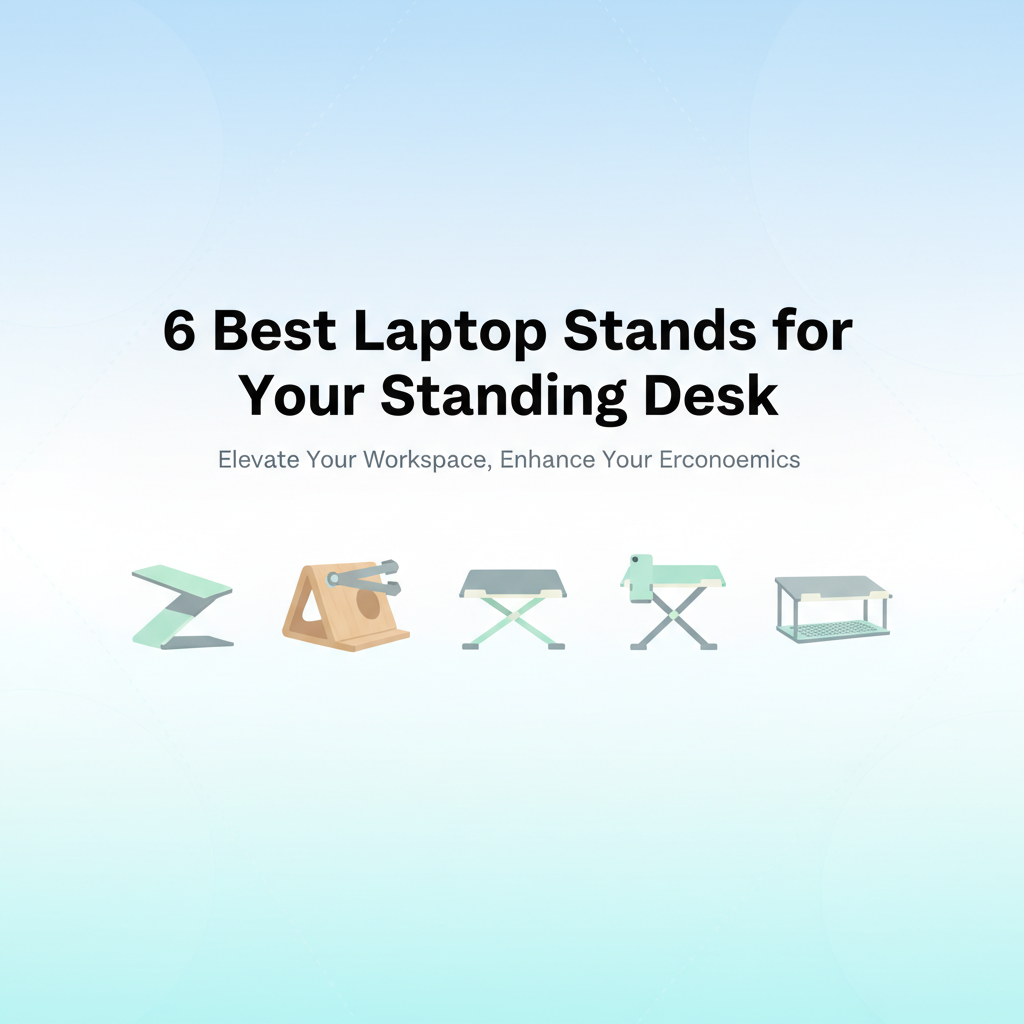
The Best Laptop Stands for Standing Desks: Adjustable Risers and Vertical Docks That Actually Improve Ergonomics
If your laptop sits flat on a desk, your neck is doing all the heavy lifting. Raise the screen to eye level and your posture, focus, and comfort change almost instantly. The right stand turns a laptop into a more healthful workstation, especially at a standing desk where height and angle matter even more. Below are the best laptop stands—adjustable risers for active use and vertical docks for clamshell setups—that prioritize ergonomics, build quality, and stability.
Why laptop stands matter at a standing desk
Standing shifts your body mechanics. Your eyes naturally scan a bit higher, and your arms hover differently over the keyboard. A proper standing desk setup puts the top of your laptop screen near eye level and tilts the keyboard to keep your wrists neutral. Most stock laptop heights miss that mark. A purpose-built riser adds elevation and angle control so you can align your visual and typing planes without hunching.
Just as important, rigid construction prevents wobble—a minor annoyance when seated but a productivity killer when you’re standing and tapping the trackpad. Aluminum stands shine here; they’re stiff, thermally conductive to help with cooling, and typically feature anti-slip pads that lock everything in place.
Common use cases: riser vs. vertical dock
There are two main ways to use a laptop with a standing desk:
- Adjustable riser (active use): If your laptop is your primary display, you’ll want an adjustable riser that elevates the screen and fine-tunes the angle. Pair it with an external keyboard and mouse to avoid wrist extension. Rotate or pivot functions help when sharing your screen with coworkers or switching between tasks.
- Vertical dock (clamshell): If you connect to an external monitor, a vertical dock parks your laptop upright to save space and improve airflow around the chassis. You’re not typing on the laptop in this mode—so the dock’s job is stability, heat clearance, and surface protection.
Many offices benefit from one of each: a riser at your primary workstation and a vertical dock for hot-desking or when your external display is the main screen.
How to pick the right height and angle
- Screen height: Aim for the top of the display at or slightly below eye level. This typically requires 6–10 inches of lift for most people. With a standing desk, adjust desk height first, then raise the laptop to finalize alignment.
- Viewing angle: A slight downward gaze reduces neck strain and glare. Angles in the 10–20 degree range work well for most. Steeper angles can be fine if you’re not typing on the laptop’s keyboard.
- Keyboard and mouse: For serious ergonomic gains, use an external keyboard and mouse at elbow height. Keep wrists neutral; avoid bending up or down.
- Stability: Look for rigid arms, thick aluminum, and high-friction pads. If you frequently type on the laptop, prioritize stiffness over extreme adjustability to minimize bounce.
- Cooling: Open-back designs and aluminum frames help dissipate heat. Vertical docks improve convection around the chassis—useful for resource-intensive work.
Selection criteria: what makes a stand “best” here
- Real adjustability: Height and angle range suitable for standing desks; secure locking points.
- Rigidity under load: Minimal wobble while typing; strong hinge torque where applicable.
- Build quality: Thick aluminum, solid joints, quality fasteners, and durable anti-slip pads.
- Compatibility: Fits common sizes from 10–17.3 inches; supports modern laptops’ weight.
- Footprint and portability: Efficient use of desk space; detachable or foldable designs for travel.
- Cooling and cable-friendly design: Open structure for airflow; space for cables and hubs.
- Surface protection: Generous silicone padding; no sharp edges.
- Rotation/pivot (nice-to-have): 360-degree rotation for collaboration.
- Ease of assembly: Tool-free or simple setup; intuitive adjustment.
- Long-term reliability: Simple mechanisms that don’t loosen quickly.
Below, you’ll find the top picks that satisfy these criteria for a variety of work styles and laptop sizes.
1. Best ultra-portable detachable riser for everyday use: Detachable Aluminum Laptop Stand — Portable Riser for 10–16-inch Laptops
This minimalist aluminum riser is a smart pick if you want immediate ergonomic gains without fiddling with knobs. The detachable design slots together to form a sturdy, open-back stand that raises the screen and improves airflow, then slides apart to pack flat when you’re on the move. For many standing-desk users, the fixed elevation puts the display in a more natural line of sight and the shallow tilt reduces neck and shoulder strain.
It’s best suited to 10–16-inch laptops used with an external keyboard and mouse. If you own a dense, heavy 16-inch workstation or need granular height/angle control, look at an adjustable model below. But for clean simplicity, solid rigidity, and better thermals, this portable riser nails the fundamentals.
2. Best fixed-height stability for daily typing: BESIGN LS03 Aluminum Detachable Ergonomic Stand for 10–15.6-inch Laptops
The BESIGN LS03 is a classic for a reason: it’s stiff, simple, and very stable. If you type directly on your laptop, a fixed-height platform like this often outperforms multi-hinge models because there’s no mechanism to loosen over time. The LS03’s high-clearance design aids cooling, and its generous silicone pads protect the chassis while preventing slips when you’re swiping or clicking.
It’s the right call for users who value “set-and-forget” ergonomics—raise the desk to place the screen top at eye level, and the LS03 keeps it there without wobble. If you occasionally present or share your screen, you’ll miss rotation or quick angle changes, but for a primary workstation that prioritizes stability and comfort, the LS03 is a dependable anchor.
3. Best vertical dock for clamshell workflows: OMOTON Vertical Laptop Stand (Updated Double) Adjustable Aluminum Dock for Laptops up to 17.3-inch
When your external monitor is the star of the show, a vertical dock is the cleanest way to reclaim desk real estate and keep your laptop cool. OMOTON’s double-slot dock adjusts to fit anything from a thin 13-inch ultrabook to a chunky 17-inch desktop replacement. The weighted aluminum body and grippy silicone pads keep devices upright while preventing scratches.
This is the right tool for clamshell mode and multi-monitor setups. It pairs beautifully with a standing desk since your monitor sets the eye line and the docked laptop simply provides compute. Just ensure there’s a bit of breathing room around the vents, especially during heavy rendering or long video calls. For cord management, position the dock near a hub so cables drop neatly behind your desk.
FAQ
- What’s the ideal screen height when using a laptop at a standing desk?
Aim for the top of the screen at or slightly below eye level, with a slight downward gaze of about 10–20 degrees. This reduces neck flexion and eye strain. Adjust desk height first, then fine-tune with a riser.
- Should I use an external keyboard and mouse with a laptop stand?
Yes. Elevating your laptop for visual ergonomics places the built-in keyboard too high for neutral wrists. An external keyboard and mouse allow proper arm angles while the laptop screen sits at eye level.
- Fixed stand or adjustable stand—which is better?
If you prioritize rock-solid stability and rarely change angles, a fixed stand is hard to beat. If you switch between sitting and standing, share your screen, or need fine angle control, an adjustable stand (ideally with strong hinge torque) is more versatile.
- Do vertical laptop stands cause overheating?
Not inherently. Vertical docks often improve airflow by exposing more surface area. Just ensure vents aren’t blocked and avoid sandwiching the laptop tightly against heat-trapping surfaces. For intensive tasks, leave some clearance and consider active cooling if needed.
- How much lift do I need for a standing desk?
Most people need 6–10 inches of elevation to bring the laptop screen near eye level when standing. Many risers provide some lift plus angle, but the standing desk should supply the bulk of height adjustment.
Make Your Standing Desk Work For You: Final Picks and Pairings
Choosing the right stand depends on how you work and what you use as your primary display.
- If you want simple, stable elevation with strong cooling: The Nulaxy Aluminum Detachable Riser (10–16″) or the BESIGN LS03 (10–15.6″) are excellent fixed stands. They’re rigid and thermally friendly—great for daily typing and clean setups.
- If you adjust often or collaborate: The Vaydeer Foldable 360° Rotating Stand (10–15.6″) provides quick angle changes and a rotating base that makes sharing your screen effortless in both seated and standing modes.
- If you carry your stand between locations or have a larger laptop: The ProtoArc CS100 (10–17.3″) offers six angle settings in a lightweight, foldable design that still handles big screens.
- If your external monitor is the main screen: The OMOTON Vertical Double Stand clears desk space and keeps your laptop cool in clamshell mode while accommodating a second device like a tablet.
- If you want a portable, minimalist riser with sturdy posture: The Detachable Aluminum Portable Riser (10–16″) strikes a balance between rigidity, ventilation, and easy packability.
Whatever you choose, pair the stand with an external keyboard and mouse, set your desk height so your elbows are near 90 degrees, and keep the top of your display just below eye level. Small ergonomic tweaks compound over hours of work—resulting in less neck strain, better focus, and a setup that finally fits you, not the other way around.